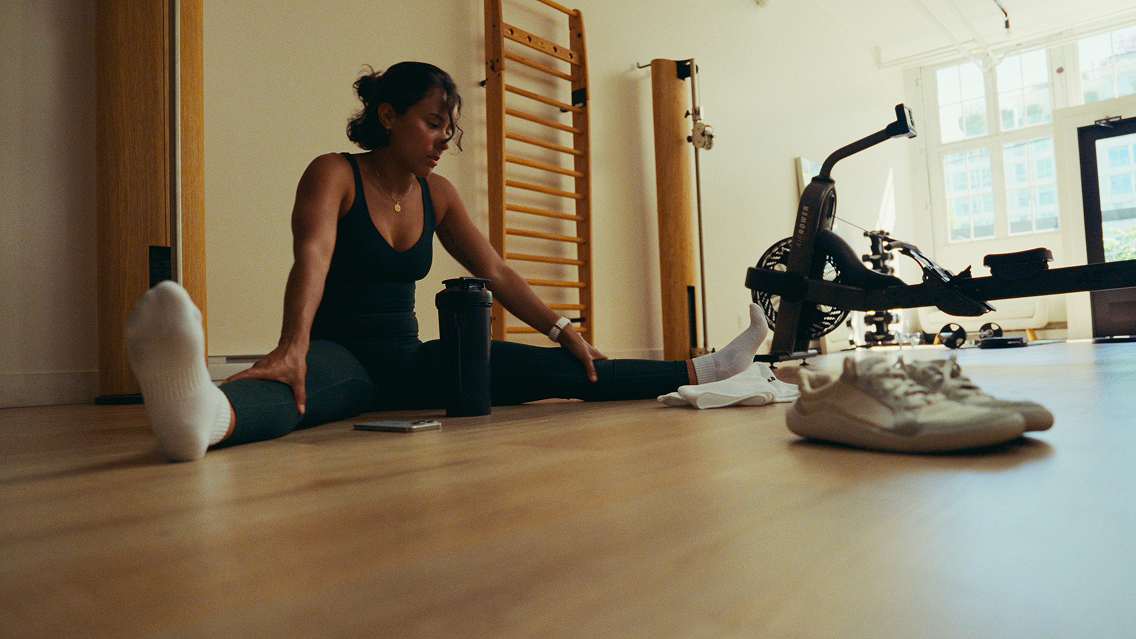
Your practice. Your clients. Now, wherever you are.
Nutrition doesn’t happen at a desk. Neither should your tools.
With Cronometer Pro on Mobile, you can now access your clients, insights, and data in real time, whether you’re between sessions, reviewing progress, or making decisions on the go.
This is the first step in bringing the full power of Pro into a more flexible, everyday workflow.

Why We Built Pro on Mobile
Nutrition decisions don’t happen in one place. They happen throughout the day, in real life, with real constraints.
For professionals, that often means:
- Reviewing a client’s intake between sessions
- Answering questions on the fly
- Adjusting guidance based on what’s actually happening, not what happened yesterday
Until now, that level of access required opening your computer, which doesn’t always fit where you are in flow of your day.
Pro on Mobile changes that:
It gives you immediate access to accurate, detailed client data wherever you are.
So you can:
- Check a client’s intake before a session, not after
- Validate patterns while they’re still relevant
- Respond with confidence, backed by complete nutritional data
Because accuracy only creates value when it’s accessible.
And when insight is available in the moment, it becomes something you can act on, not just review.

What You Can Do on Mobile (Phase 1)
This first release focuses on the core workflows you need most:
- Access your client list anytime
- Review client Diaries and logged nutrition
- Track trends through Charts and Reports
- View client Dashboards and key insights
- Check targets, fasting data, and profiles
It’s everything you need to stay connected to your clients’ data, without being tied to your desktop.
How to Get Started
Getting up and running is simple:
- Open the Cronometer mobile app. Don’t have the mobile app? Download it now.
- Log in with your Pro account
- Navigate to the Clients tab at the bottom and click to view your client list
- Select a client to begin exploring their data
For step-by-step guidance and deeper workflows, refer to the full user manual:
- Getting Started
- Settings
- Client Dashboards, Reports, and Charts
Use the Cronometer Pro on Mobile User Manual as your go-to reference as you explore or our Cronometer University video below.
Tips to Get the Most Out of It
Use it between sessions
Quickly review client progress before or after appointments, no laptop required.
Focus on trends, not snapshots
Charts and Reports help you see patterns over time, not just single days.
Turn insights into conversations
Use what you see to guide meaningful, personalized client discussions.
Keep it lightweight
Mobile is designed for clarity and speed. Save deeper analysis for desktop when needed.

About Subscriptions (Important)
A quick note to avoid confusion:
- Subscriptions on mobile are handled separately through app stores
- If you already have a Gold subscription, upgrading to Pro may result in duplicate charges. You will receive a notification to cancel your Gold subscription upon upgrading if this applies to you.
- App store purchases (especially through Apple) cannot be refunded by Cronometer
We recommend upgrading or managing your Pro subscription via the web to ensure a seamless experience.
This Is Just the Beginning
This is Phase 1 of Pro on Mobile.
We’ve focused on delivering the most essential tools first with more functionality already in progress.
Coming in Phase 2:
- Expanded client management tools
- Deeper insights and workflows
- Continued improvements based on your feedback
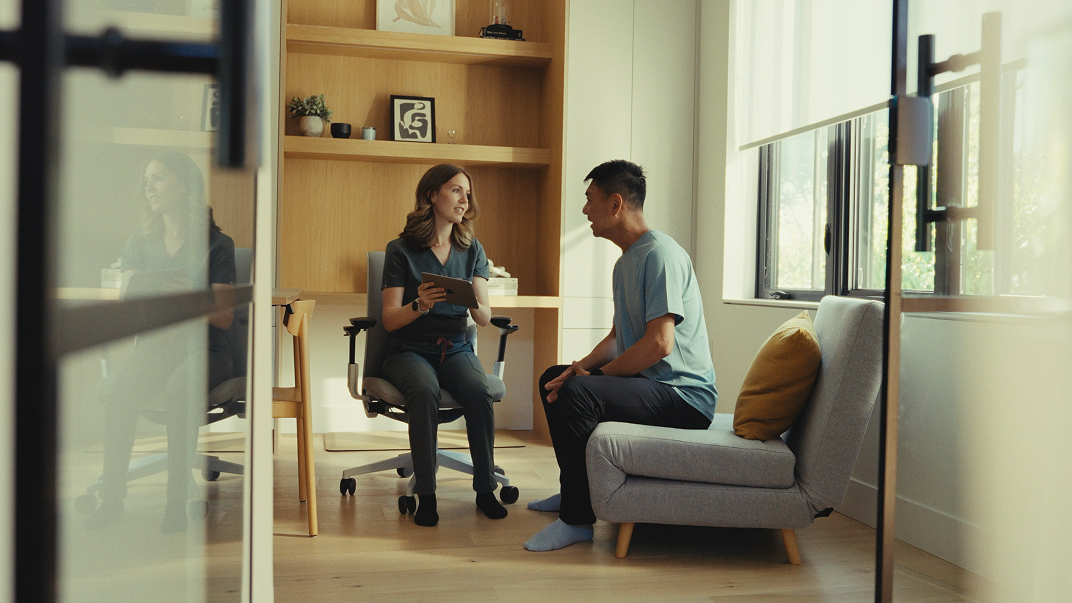
The Bigger Picture
Cronometer has always been about more than tracking.
It’s about helping people, and professionals, understand nutrition.
Pro on Mobile extends that mission:
- From computer-bound to wherever you are in the flow of your day
- From delayed review to real-time insight
- From access to action
Because better decisions happen when understanding is available right when you need it.
Explore Pro on Mobile
Open the app.
Access your clients.
See what their data is telling you right now.