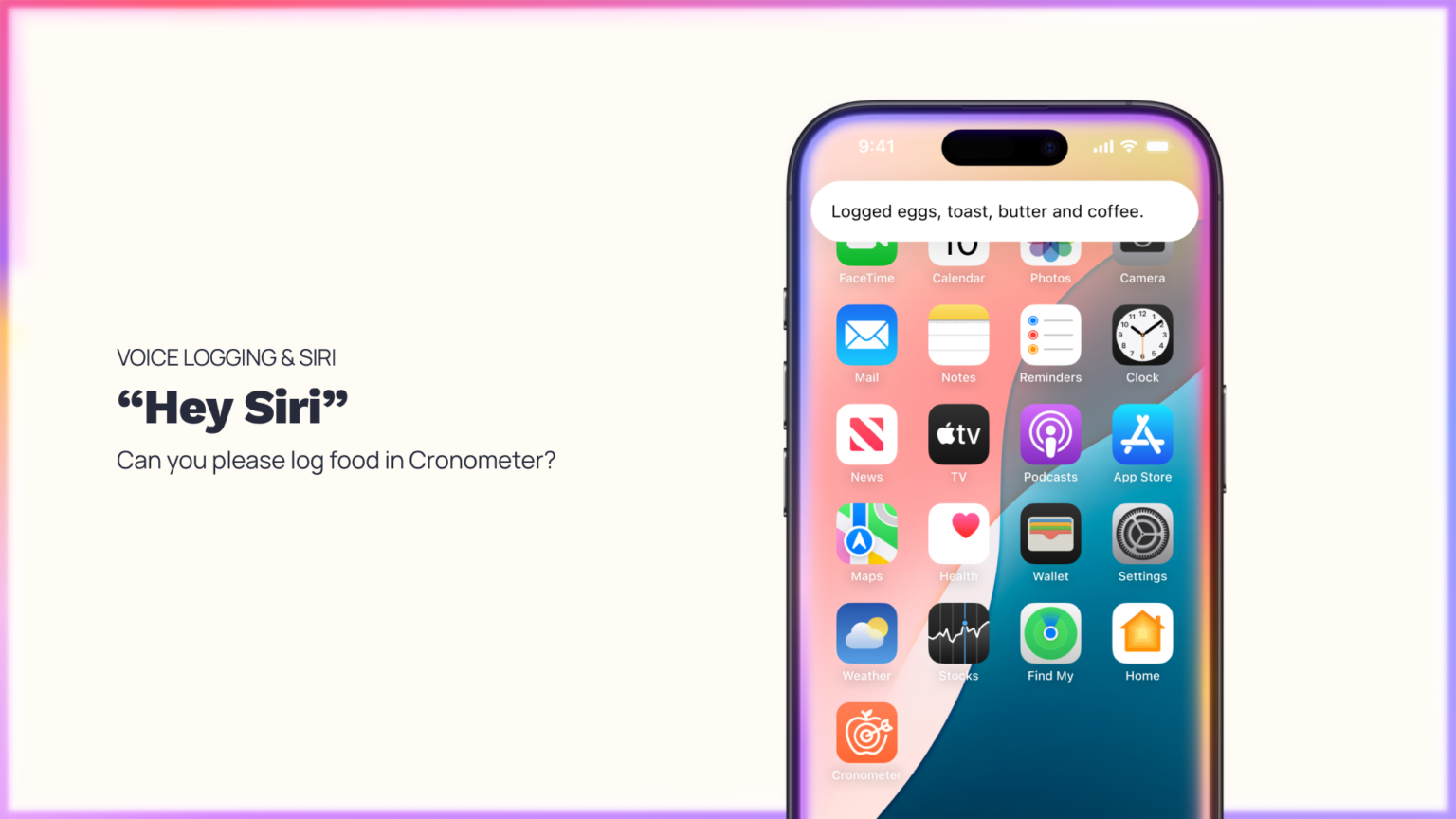
Friction Out. Flow In. Logging your nutrition shouldn’t pull you out of your life.
With Voice Logging & Siri, you can now log food by simply describing what you ate. No searching, no typing, no stopping. Just speak naturally, and Cronometer takes care of the rest.
It’s a more human way to track, designed to fit into your day, not interrupt it.
Why We Built This
There’s a tension at the heart of nutrition tracking. You want to understand your health. But you don’t want to spend more time on your phone.
As screen fatigue rises, more people are looking for ways to stay informed without being pulled out of the moment. Traditional logging – searching, tapping, selecting—can interrupt your day and break consistency. Voice Logging changes that.
By removing friction, it helps you stay present while still building a complete, accurate picture of your nutrition. Because understanding your health should feel natural, not like a task.
A More Natural Way to Log
Voice Logging lets you capture what you eat in the same way you’d describe it to another person.
- Log hands-free while cooking, eating, or multitasking
- Capture meals in real time or add them later
- Reduce the effort it takes to build a complete, accurate diary
It’s a small shift, but one that makes consistency easier, and insight more accessible.

How It Works
Voice Logging (iOS & Android)
- Tap the + button on any screen in the app
- Select Voice Log
- Speak or type your meal in your own words
- Review matched foods and adjust as needed
- Add to your Diary
- Cronometer translates your description into structured, accurate entries—so you can focus on what matters.
Log Food with Siri (iOS only)
For an even more hands-free experience, you can log directly with Siri.
To start:
- Say: “Hey Siri, log food in Cronometer”
- Or press and hold your side button and say the same command if you have “Press Side Button for Siri” turned on. (Settings → Siri (or Apple Intelligence & Siri → Hey Siri or Talk to Siri)
- Then simply describe your meal. Siri will pass it to Cronometer, where it’s automatically added to your Diary for review.
Setting Up Siri
To use Siri with Cronometer:
- Enable Siri on your device
- Go to Settings → Siri (or Apple Intelligence & Siri)
- Turn on “Hey Siri” or “Talk to Siri”
- Make sure your iOS is up to date and you’re on 4.53.1 version of Cronometer or newer
- (Optional) Enable Siri suggestions for Cronometer which helps Siri recognize your commands more easily

Tips for Better Results
Voice Logging works best when your input is clear and conversational.
What to Say
- “Two eggs, sourdough toast, and butter”
- “Chicken salad with olive oil dressing”
- “Greek yogurt with blueberries and honey”
What to Know
- Quantities may not always be captured perfectly on the first try
- New foods may default to common serving sizes (like grams)
- You can quickly adjust anything before saving
Think of Voice Logging as a fast first pass. Cronometer ensures precision with a quick review step.
Accuracy You Can Trust
Cronometer is built on verified, lab-analyzed nutrition data, not crowdsourced entries. Voice Logging doesn’t change that. It simply changes how you input your food.
Every entry is still:
- Matched against trusted data sources
- Fully editable before saving
- Designed to give you confidence in your Diary
Because ease should never come at the cost of accuracy.
The Bigger Shift
This isn’t just about logging faster. It’s about changing your relationship with tracking.
When logging becomes effortless:
- You stay more consistent
- You build clearer insight
- You feel more in control of your health
And when you understand what you eat, better decisions follow. That’s the goal.
Watch: How to Use Voice Logging
Learn how to get the most out of Voice Logging in this quick walkthrough.
Start Logging, Naturally
Voice Logging is available now for Gold users. Not a Gold user yet? Upgrade to Gold and unlock Voice Logging, advanced insights, and deeper nutrition tracking.